Switching to Hotline from a booking system and an LMS.
We plan the move with you, bring your data across, and run both systems side by side until your last old booking has been delivered.
From two systems to one record.
Most providers arrive with a booking system for the classroom, an LMS for the e-learning and a spreadsheet for the renewals. Common starting points are exports from Arlo, accessplanit and Moodle, or your own spreadsheets.
Before
- Bookings in one system, course records in another
- Certificate expiry dates in a spreadsheet
- Delegates re-keyed from one system to the other
- Two contracts to renew and two to give notice on
After the switch
- Bookings, e-learning, exams and certificates on one delegate record
- Historic certificates imported with their expiry dates, so renewals keep coming
- Your live dates on your own website through booking widgets
- One annual price, with standard migration included
What comes across
Your data, brought across for you.
Each import runs as a dry run first, with an error report by line, so nothing lands in Hotline until the numbers match.
| What | How it comes across |
|---|---|
| Customers and organisations | Imported from CSV, with a dry run first. |
| Contacts and delegates | Imported from CSV and matched to their organisations. |
| Courses and prices | Imported from CSV, including certificate validity periods. |
| Historic certificates with their expiry dates | Imported from CSV without duplicates, so renewal reminders pick them straight up. |
| SCORM courses | Re-uploaded as SCORM packages. |
| Your live dates on your website | Shown through booking widgets on your existing site. |
What gets rebuilt with you
- Booking form custom fields
- Joining instruction templates
- Discount rules, set up as discount codes
- Forward-dated bookings, entered by our team
What stays in your old system
Invoice and payment history. Keep it for your accounts: your new bookings and payments start fresh on Hotline.
How the move usually runs.
A typical timeline, not a guarantee: we agree yours with you in week one.
Week 1: discovery and exports
We look at what you run today, agree what comes across, and you export your data.
Week 2: import and dry runs
We import your organisations, delegates, courses and certificates, checking each dry run with you.
Week 3: team trained, widgets live
Your admins and trainers are trained, and your live dates appear on your website.
Then: side by side
Both systems run until your last old booking has been delivered. Then you switch the old ones off.
Export everything before you give notice
Take your exports before you give notice on the old system. API access usually ends with the licence.
Your dates stay live
Your live dates on your website before you switch off.
Booking widgets drop into your existing website as real, crawlable HTML, so your course dates keep selling while the move happens. Your website stays yours.
See training management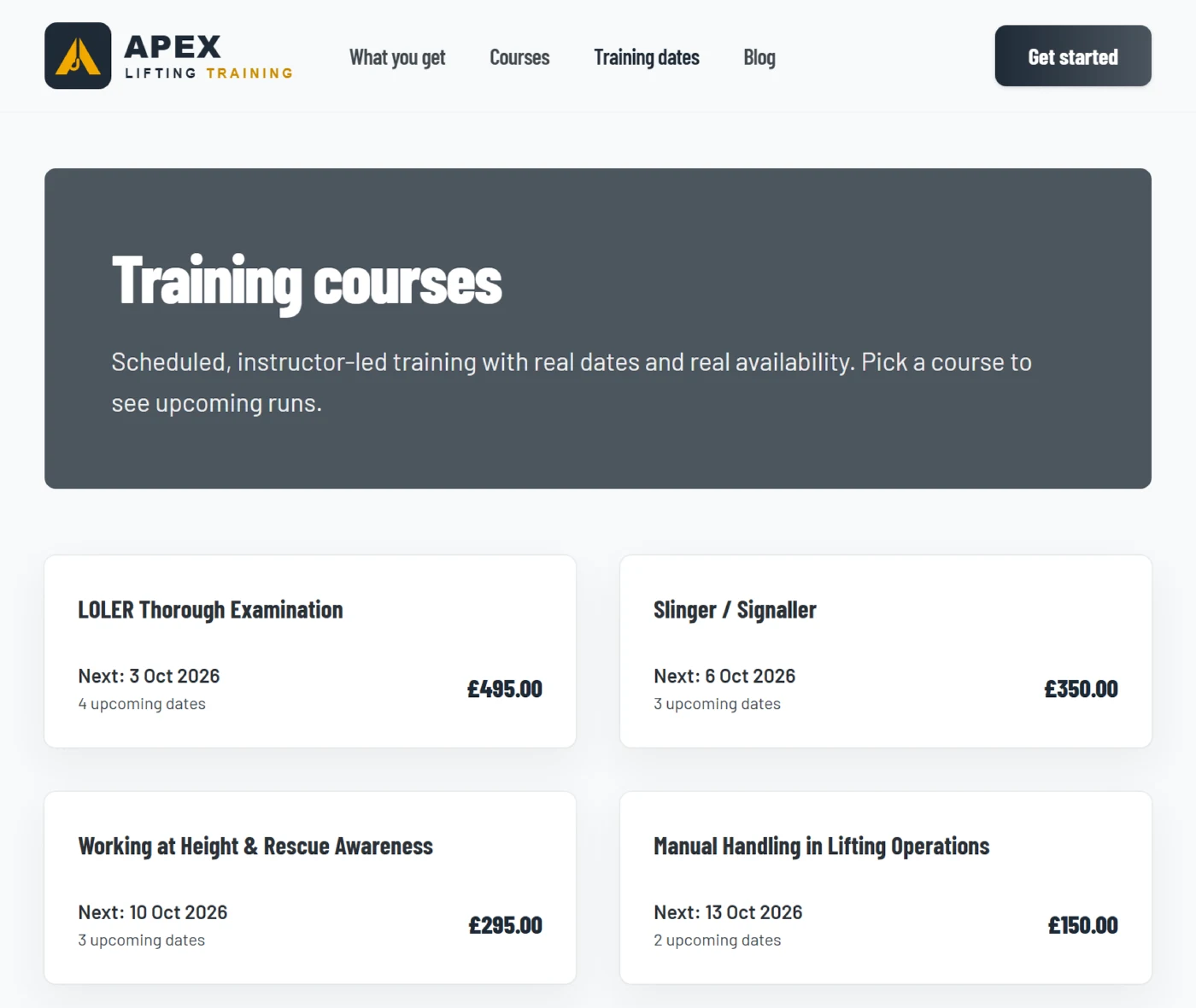
Standard migration is included on every annual provider plan.
Bulk forward bookings or an API sync are quoted.
See provider pricingSwitching questions
Typically about three weeks from discovery to your team being trained and your dates live on your website, then both systems run side by side until your last old booking has been delivered. We agree your own timeline in week one.
Your customers and organisations, contacts and delegates, courses and prices, historic certificates with expiry dates, SCORM courses, and your live dates on your website through booking widgets.
Forward-dated bookings are entered by our team. If you have a large number of them, a bulk import is quoted separately.
No. You run both systems side by side until your last old booking has been delivered, then give notice on the old ones.
Talk to us about switching.
Tell us what you run today and we will show you what comes across and how the move would work for you.